

Cancelling a Session
Sometimes training sessions need to be cancelled due to illness, emergencies, or scheduling conflicts. Pawgress makes it easy to cancel sessions and keep your training calendar up to date.Method 1: From the Sessions Page
- Click Sessions in the main navigation
- Find the session in the Upcoming segment
- Click Cancel on the session
- Confirm the cancellation in the dialog that appears
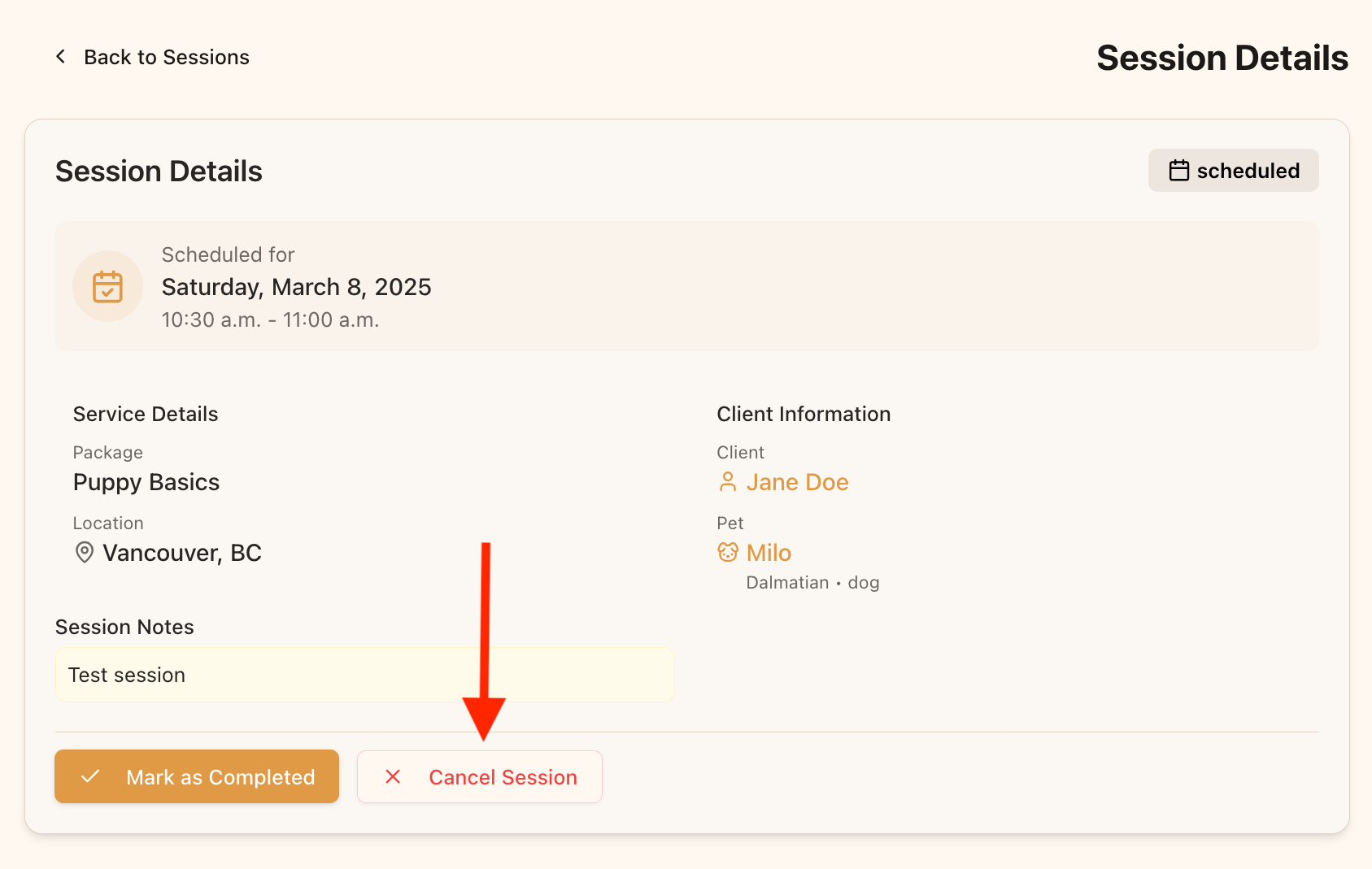
Click the “Cancel” button on the session card to cancel a session
Method 2: From the Session Details Page
- Click Sessions in the main navigation
- Click the session to open it in the drawer
- Click Cancel Session
- Confirm the cancellation in the dialog that appears
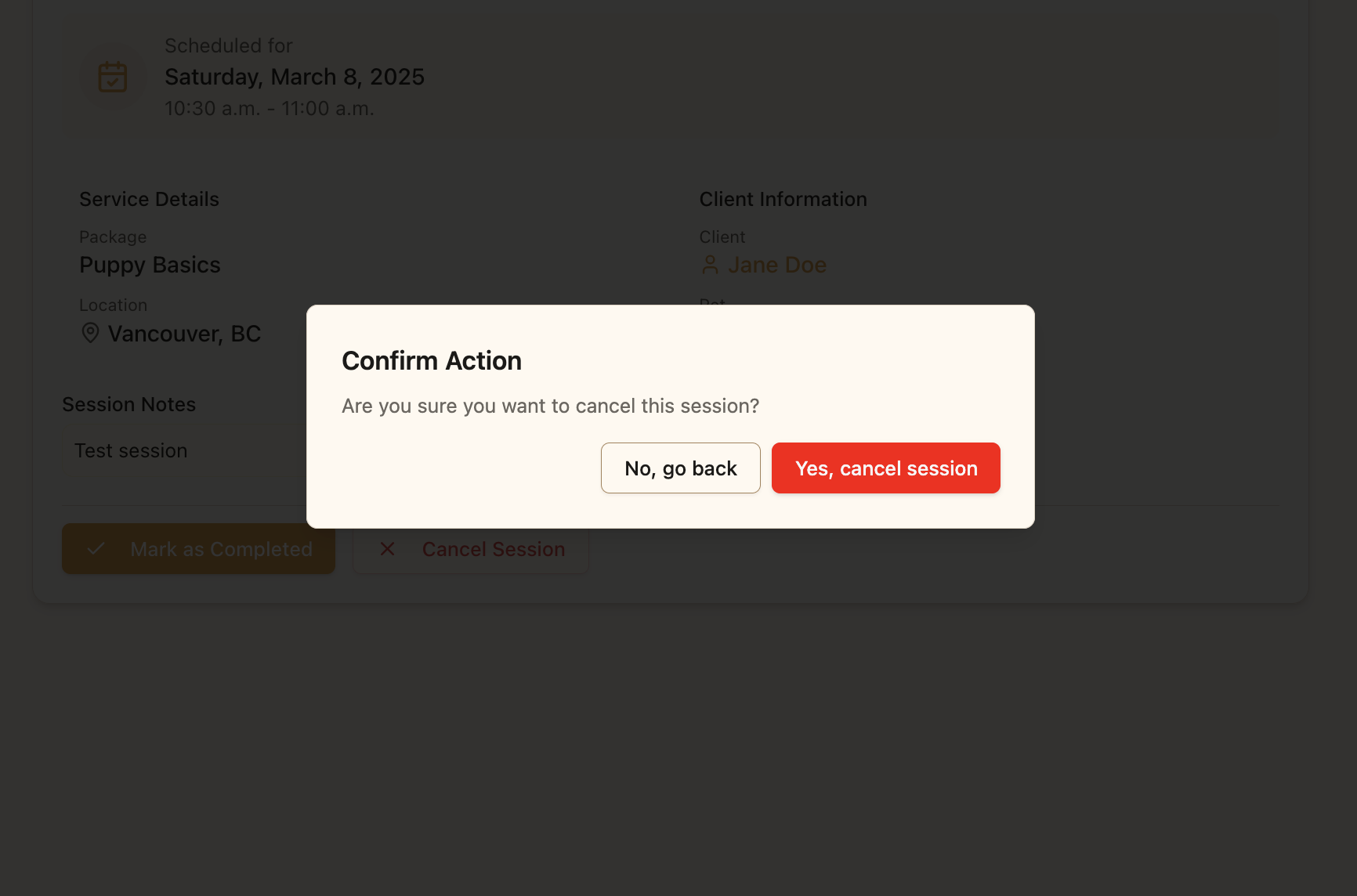
Confirm the cancellation in the dialog to complete the process
Important Notes
- Cancelled sessions move to the Cancelled segment
- If the session was linked to a Google Calendar event, the event will be deleted
- If the session was a Zoom or Google Meet session, the meeting is cancelled
- The client will receive a notification about the cancellation
Setting a Cancellation Policy
You can require clients to give notice before cancelling a session they booked themselves. Set this under Booking & billing on your profile page — options run from “any time” up to one week’s notice. The policy applies to client-initiated cancellations through your public booking links. It never restricts you: you can cancel any session at any time.After Cancelling
After cancelling a session, consider these follow-up actions:- Reach out to the client directly to explain the cancellation if needed
- Offer to reschedule the session by creating a new session
- Ensure the client knows how many sessions remain in their package